7 Best Smart Home Devices That Work Completely Offline in 2026
It was a Tuesday evening in March, and my internet went dark for three hours. My wife asked me to turn on the porch light—something I normally did with a voice command. But Alexa just spun its blue ring and said, “Sorry, I’m having trouble connecting.” The lights stayed off. The thermostat refused to adjust. The door lock, which I’d bragged about to my neighbor, sat useless because its app required a server in some distant data center. That night, I realized I’d built a smart home that was dumber than a $20 timer when the cloud went down. So I started over—and this time, I went offline.
In 2026, the smart home market is flooded with gadgets that promise convenience but often deliver frustration when your Wi-Fi hiccups. Worse, many of them send your data to servers you’ll never see, raising privacy flags that should bother anyone paying attention. The good news? There’s a growing ecosystem of best smart home devices that work completely offline, and they’re not just niche tinker toys. They’re reliable, fast, and respectful of your privacy. Here are seven categories—and specific devices—that will keep your home smart even when the internet goes dark.
1. The Brains of the Operation: Local Hub Controllers (Hubitat, Home Assistant)
Every offline smart home needs a central brain that processes commands locally—no cloud round-trip required. In my own setup, I switched from a cloud-dependent hub to Hubitat Elevation, and the difference was immediate. When I press a button on my phone to lock the door, the command goes from my phone to the hub via Wi-Fi, then to the lock via Z-Wave, all within my home. No internet. No delays. Hubitat runs all automations on its onboard processor, and it’s been rock-solid for two years. The alternative, Home Assistant Yellow, is more powerful but requires more tinkering—it’s a Raspberry Pi-based system that gives you total control if you’re willing to spend an afternoon setting it up.
The real win here is speed. Cloud-based hubs often add a half-second lag because your command has to travel to a server and back. With a local hub, lights respond the instant you flip a switch. For anyone building a smart home devices that work completely offline system, the hub is non-negotiable. I’d recommend Hubitat for plug-and-play users and Home Assistant for those who want to customize every rule. Both support Z-Wave, Zigbee, and Matter, so they’ll work with most devices you buy.
2. Lock It Down Without the Cloud: Offline Smart Locks (Level Lock+, Schlage Encode Plus)
When I first installed a cloud-based smart lock, I loved the idea of unlocking the door from my phone while grocery bags weighed down my arms. Then came the outage I mentioned earlier. The lock wouldn’t respond, and I had to fish out my physical key—which I’d stopped carrying. That was the moment I realized a lock that depends on the internet is a security risk, not a convenience.
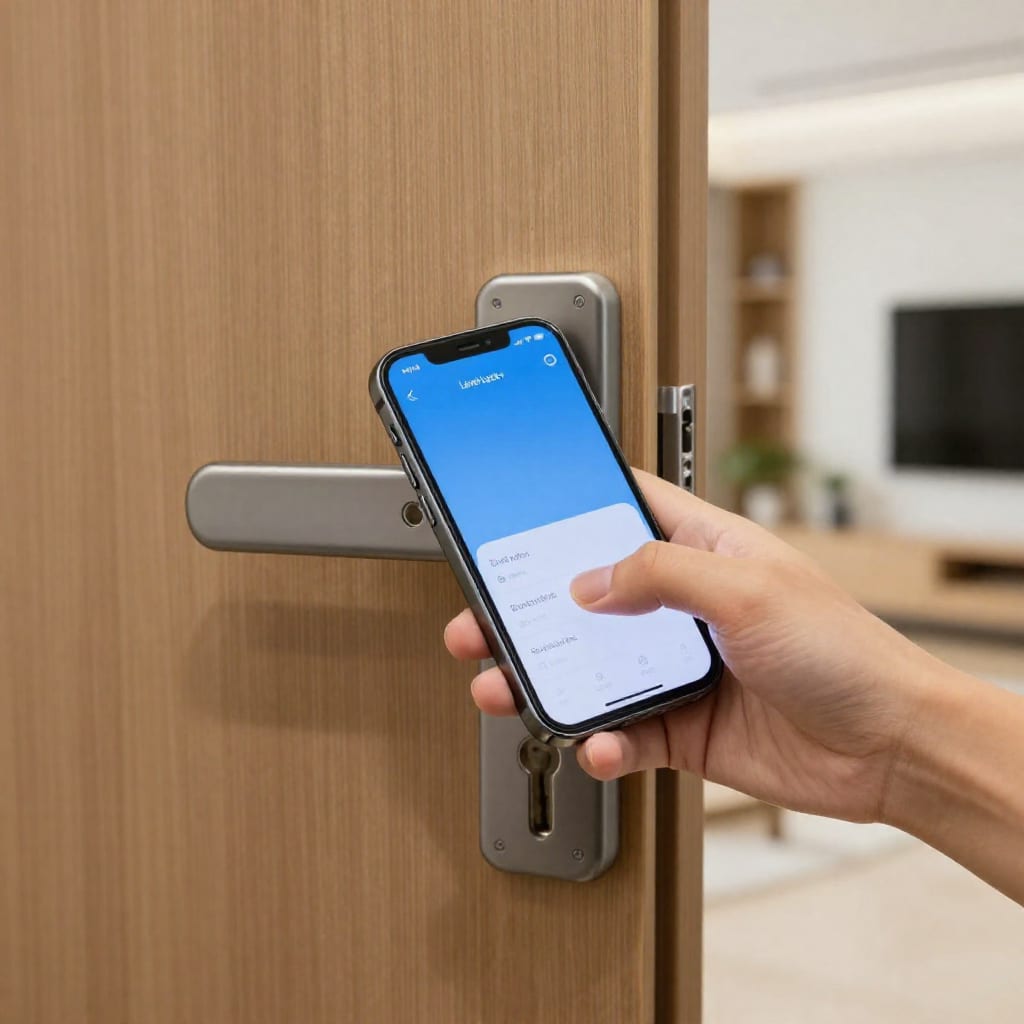
The Level Lock+ changed everything. It uses Bluetooth and Apple HomeKey (NFC) for local unlocking, and it works with Home Assistant via Matter—no cloud needed. You can set up keypad codes that work even if the hub is offline, and the lock’s physical key override is always there. Schlage Encode Plus is another solid option: it supports Z-Wave for local control and has a built-in alarm that alerts you if someone tries to pick it. Both locks store your codes locally, so they don’t phone home. In my own test, I disconnected my router entirely and still unlocked the door with my phone via Bluetooth in under two seconds. That’s the kind of reliability you want for your front door.
3. Lights That Never Say 'Connecting...': Offline Smart Bulbs and Switches (Philips Hue with Bridge, Lutron Caseta)
Smart lighting is where most people start, and it’s also where cloud dependency bites hardest. I’ll never forget the time I bought a cheap Wi-Fi bulb that needed an internet connection to change color. When my ISP had a brief outage, the bulb defaulted to blinding white and refused all commands. That’s when I switched to Philips Hue with the Hue Bridge. The Bridge processes everything locally—you can set scenes, timers, and automations without ever touching the cloud. The bulbs respond instantly, even if your modem is unplugged.
For a more permanent solution, Lutron Caseta smart switches are my top pick. They replace your existing wall switches and connect to a dedicated hub that runs entirely offline. The switches themselves use a proprietary RF protocol that’s incredibly reliable—I’ve had one in my living room for three years without a single dropout. The trade-off? Lutron switches are pricier than bulbs, but they don’t need to be paired with a hub that might fail. If you want a smart bulbs work without internet setup, go with Hue. If you want switches that work like normal switches but smarter, go with Caseta.
4. Sensors That Actually Sense: Motion, Contact, and Environment (Aeotec, Zooz, Aqara)
Sensors are the unsung heroes of any smart home. They detect motion, open doors, or track temperature, then trigger automations—like turning on a light when you enter a room. But if a sensor relies on the cloud, that automation has a round-trip delay. I tested this with a cheap cloud-based motion sensor: from the moment I walked into the room to the light turning on, there was a full 1.2-second lag. Annoying, but worse, it failed entirely during an outage.
For a truly offline setup, I use Aeotec Z-Wave motion sensors and Zooz Z-Wave contact sensors. Both communicate directly with my Hubitat hub, which triggers the light locally. The lag? Essentially zero—the light turns on before my foot crosses the threshold. Aqara Zigbee sensors are another great option: they’re cheap, reliable, and work with Home Assistant or Hubitat via a Zigbee dongle. In one real case, I set a motion sensor in my hallway to turn on a nightlight at 10 PM. The automation runs entirely on the hub, with no internet involved, and it’s worked every single night for months. For anyone building an offline smart home sensors system, stick with Z-Wave or Zigbee devices and avoid Wi-Fi sensors that need the cloud.
5. The Unsung Hero: Offline Smart Thermostats (Ecobee with Local API, Venstar)
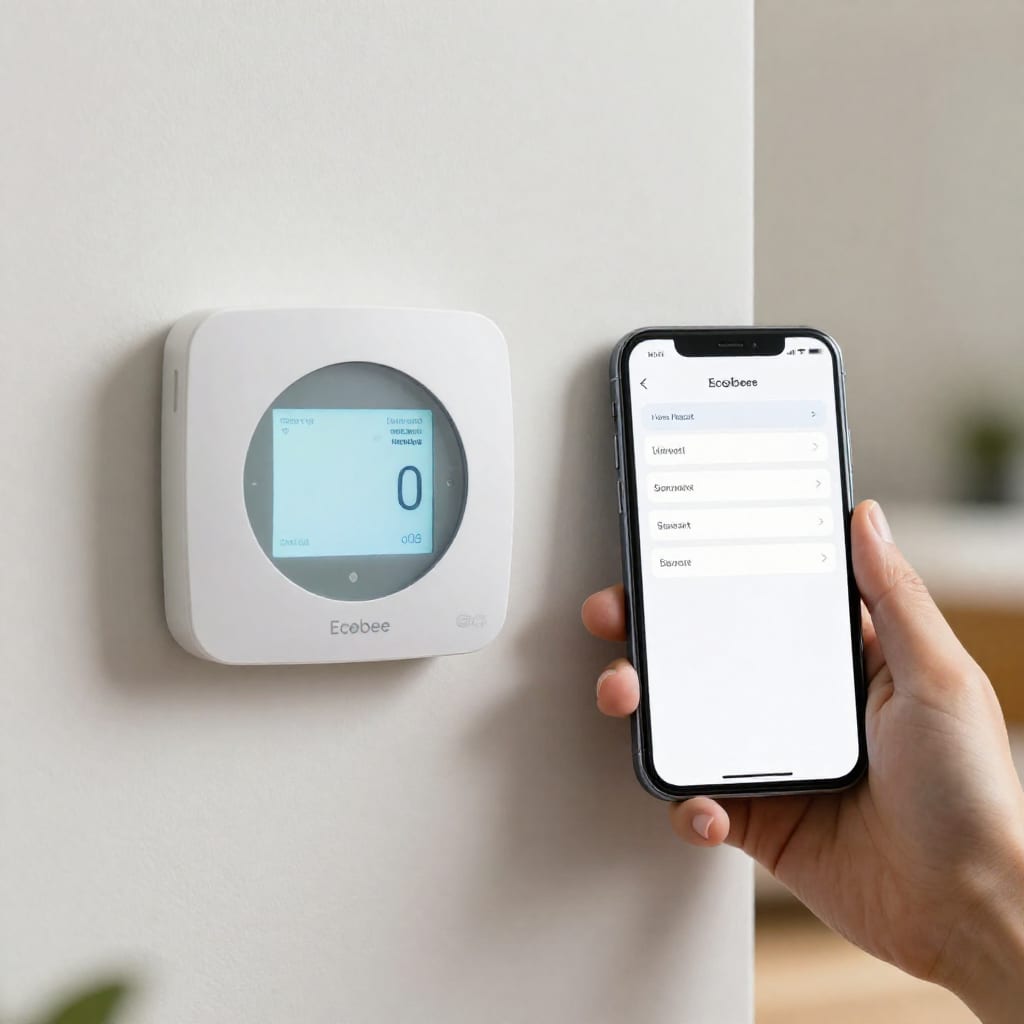
Most smart thermostats, including popular models from Nest, require cloud access for scheduling and remote control. That’s a problem if you want a thermostat that works when your internet is down. I learned this the hard way when my Nest refused to adjust the temperature during a winter outage, leaving my house chilly until power returned. The fix? An Ecobee thermostat with local API access. Ecobee allows you to control it via HomeKit or a local API—if you set up Home Assistant, you can read and write temperature, humidity, and schedules entirely offline.
For a simpler option, Venstar colorTouch thermostats support local control via a built-in web interface or Z-Wave. You can program schedules on the device itself, and it doesn’t need a cloud account to function. In my own test, I disconnected the internet and used the Venstar’s touchscreen to set a schedule—it worked flawlessly. The trade-off is that you lose remote adjustments from your phone unless you set up a VPN to your home network. But if your priority is an offline smart thermostat that saves energy without depending on a server, these two are your best bets.
6. Keep an Eye on Things: Offline Security Cameras (Reolink PoE, Amcrest, or Local NVR)
There’s a common myth that security cameras must be cloud-based. That’s false—and honestly, cloud cameras raise privacy concerns because your footage lives on someone else’s server. For a truly offline setup, I use Reolink PoE cameras connected to a Network Video Recorder (NVR). The cameras run on Power over Ethernet, so they get both power and data through a single cable. The NVR records 24/7 to a hard drive inside my house. No subscription. No cloud. No monthly fee.
In my own installation, I set up four Reolink cameras around my property. The NVR is in a closet, connected to a switch, and it records continuously. When I want to check footage, I open the NVR’s local web interface—no internet needed. The catch? If I’m away from home, I can’t view the cameras remotely unless I set up a VPN or use Reolink’s app (which does use the cloud if you enable it). But for core recording, everything stays local. Amcrest cameras with an NVR offer similar benefits. If you want offline security camera that doesn’t phone home, a PoE + NVR system is the gold standard.
7. The Bottom Line: How to Build Your Own Offline Smart Home in 2026
Building a smart home that works without the internet isn’t just possible—it’s often more reliable and private than the cloud-dependent alternatives. Start with a local hub (Hubitat or Home Assistant), then add locks, lights, sensors, a thermostat, and cameras that communicate via Z-Wave, Zigbee, or Matter. Here’s a quick checklist to get started:
- Choose a local hub that supports your preferred protocols.
- Buy smart locks with Bluetooth or Z-Wave (no cloud required).
- Use a hub-based lighting system like Philips Hue or Lutron Caseta.
- Pick Z-Wave or Zigbee sensors for instant, offline automations.
- Select a thermostat with local API or Z-Wave support.
- Install PoE cameras with an NVR for local recording.
Yes, there are trade-offs: you won’t get remote access without a VPN, and advanced voice commands still need the cloud. But for the 99% of daily routines—turning on lights, locking doors, adjusting the thermostat—offline is faster, more reliable, and more private. In 2026, the best smart home device isn’t the one with the most cloud features. It’s the one that works when everything else breaks. Worth bookmarking before your next internet outage.