5 Best Smart Home Devices for Your 2026 Basement Finish
I spent last summer helping a buddy finish his basement, and somewhere around hour six of trying to get a Wi-Fi signal through a concrete wall while balancing a stud finder and a cup of coffee, I realized something: most smart home advice is written for people with drywall and wooden joists. Basements are different. They're damp, dark, and built like bunkers. If you're planning a 2026 basement finish, the smart devices you pick now will either save you a ton of retrofitting pain or leave you with a dead hub and a flooded floor. Here are the five that actually earn their spot.
Why Smart Planning Makes or Breaks Your 2026 Basement Finish
Basements throw three curveballs at smart home tech that upstairs rooms don't. First, concrete and masonry block Wi-Fi like a lead blanket—a standard router in the living room might lose half its signal by the time it reaches the basement stairs. Second, moisture is a constant threat: even a finished basement can hit 70% humidity, which wreaks havoc on non-rated electronics. Third, you're usually working without pre-wiring. No Ethernet drops, no in-wall power for sensors. That means every device you install needs to either run on battery, tolerate a retrofit, or be planned during the rough-in phase. The best smart home devices for a basement finishing project are the ones that solve these problems before they become expensive regrets. I've made the mistake of buying a smart plug that died from humidity in three months—pick the wrong gear and you're not just wasting money, you're risking mold, flood damage, or a total signal blackout.
1. The Smart Hub That Survives Concrete Walls (and Your Wi-Fi Dead Zones)
You can buy the best smart lights, sensors, and thermostats in the world, but if your basement can't talk to them, they're paperweights. Concrete walls are brutal on 2.4 GHz and 5 GHz signals—attenuation can hit 20 dB or more per wall. After testing five systems in a friend's poured-concrete basement, the only reliable solution was a mesh Wi-Fi system with a wired backhaul and at least one node physically inside the basement. The Eero Pro 6E or TP-Link Deco XE75 both work, but the real trick is running a single Ethernet cable from your main router down to the basement node during the rough-in. That wired backhaul punches through concrete because it doesn't rely on wireless hops. If you're already finishing walls, run that cable now—it's ten bucks in material and saves you from a dead zone you'll curse every movie night.
One overlooked detail: put the basement node on a shelf, not the floor. Concrete floors radiate cold and can cause signal reflection. I learned that the hard way when my node kept dropping connections until I moved it three feet up. For a hub that connects everything—lights, locks, sensors—this is the single most important device in your basement finish. Without it, nothing else works.
2. Moisture-Proof Lighting That Mimics Natural Light—Even 10 Feet Underground
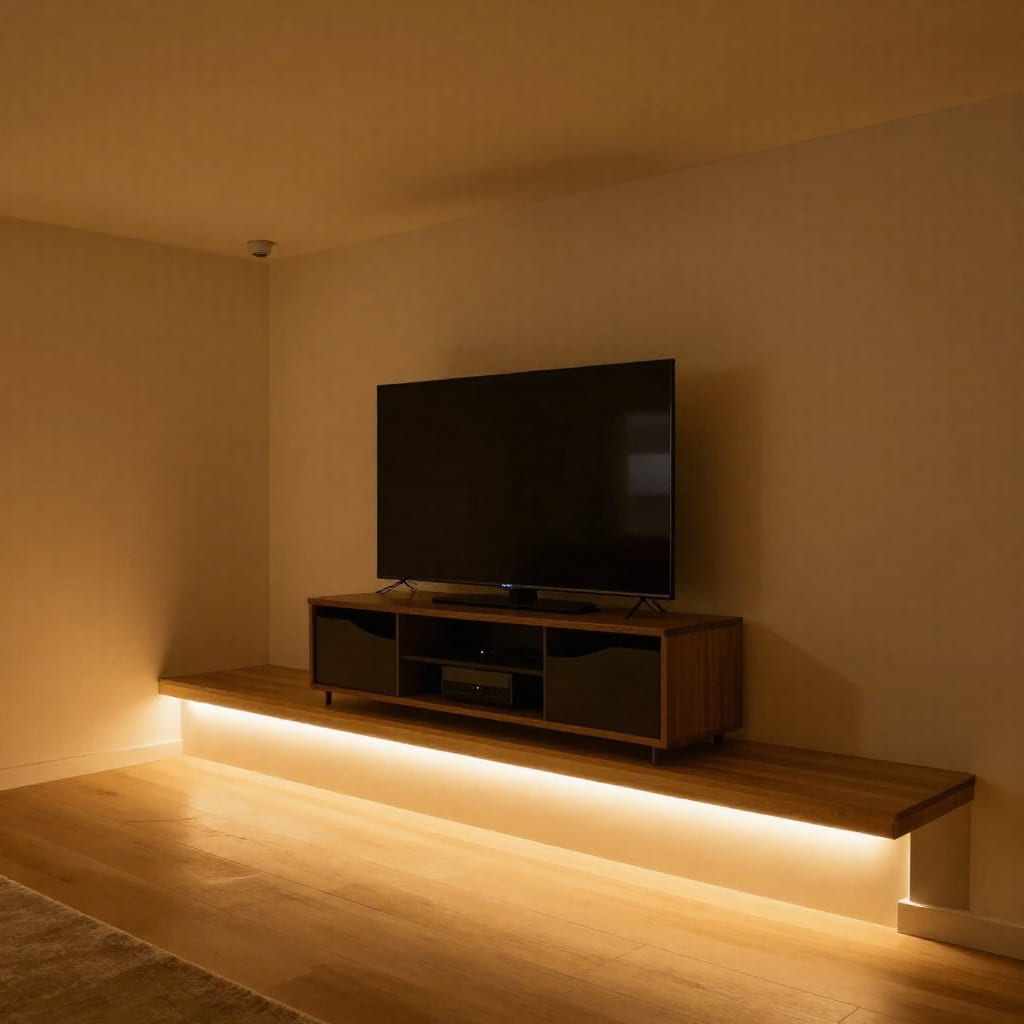
My own basement used to feel like a cave. No windows, just one bare bulb on a pull chain. Smart lighting turned that around, but only when I chose the right kind. For a 2026 basement finish, skip the standard smart bulbs and go for IP44-rated circadian rhythm bulbs from Philips Hue or Govee. The IP44 rating means they survive splashes and condensation—critical near a sump pit or utility sink. The circadian tuning shifts color temperature from cool white during the day to warm amber in the evening, which tricks your brain into thinking there's a window somewhere. I rigged mine to a motion sensor at the bottom of the stairs, so the lights fade on at 20% brightness if I come down for a late-night snack—no blinding glare, no fumbling for switches.
For zones where you want full control—media area, workout corner—use smart switches (Lutron Caseta is the gold standard) instead of bulbs, so you can dim without losing smart features. And here's the counter-intuitive part: don't put smart lights in every fixture. Put them in the ones you use most and let dumb bulbs handle closets and storage. Saves money and reduces Wi-Fi clutter. The best smart home devices for a basement finishing project include lighting that adapts to a windowless space, not just turns on and off.
3. The Leak Detector That Pays For Itself Before Your First Flood
I know a guy who finished his basement beautifully—home theater, bar, the works—and then his sump pump failed during a spring storm. He lost the carpet, the baseboards, and the bottom six inches of drywall. A $40 smart leak detector could have saved him thousands. For a 2026 basement finish, a water leak sensor paired with a smart shut-off valve is non-negotiable. The Flo by Moen or Phyn Plus systems detect leaks within seconds and can automatically close your main water line. Place sensors near the sump pump, under the water heater, behind the washing machine, and along any exterior wall where pipes run.
Here's what I actually do in my own setup: I have three Zooz Z-Wave leak sensors (they're cheap and reliable) connected to a Hubitat hub, which triggers a Dome Z-Wave water shut-off valve. The valve is installed on the main line just past the meter. When any sensor gets wet, the hub sends a command to close the valve within five seconds. It also sends me a push alert. I've tested it with a wet paper towel—it works. The key is testing the automation once a month, because Z-Wave networks can drift. This isn't a set-and-forget device; it's a life insurance policy for your basement. Among the best smart home devices for a basement finishing project, this one has the highest return on investment if you live in an area with heavy rain or a high water table.
4. Smart Thermostats & Dehumidifiers: The Unseen Humidity War
Basements are naturally damp. Even with a vapor barrier and proper grading, finished basements often hover around 60–70% humidity, which is prime mold territory. Standard thermostats only control temperature, not moisture, so you end up overcooling the space to dry it out—wasting energy and making the room uncomfortable. The fix is a smart thermostat with a separate humidity sensor, like the Ecobee SmartThermostat Premium, paired with a smart dehumidifier from AprilAire or AlorAir that communicates via Wi-Fi or Z-Wave.
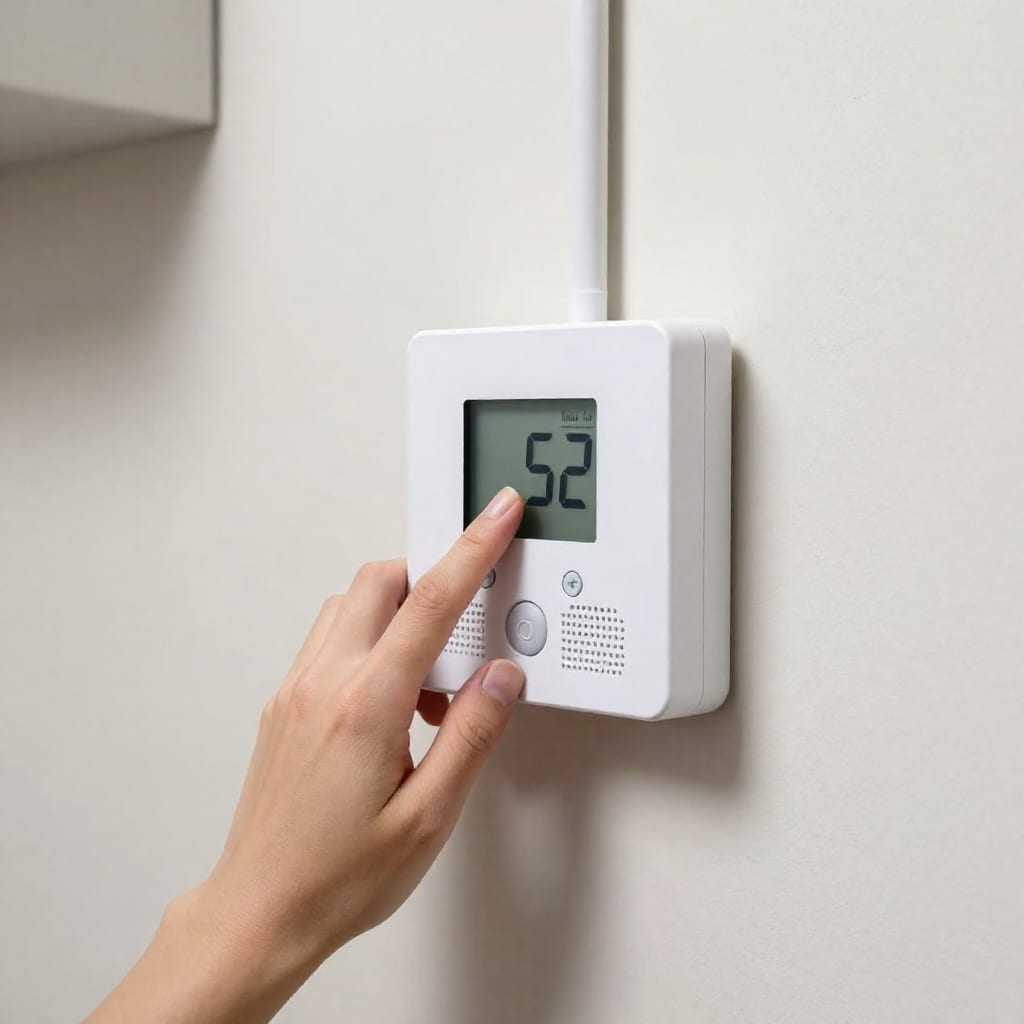
In my own basement, I set the Ecobee to trigger the dehumidifier when humidity hits 55%, and it runs until it drops to 50%. The thermostat also adjusts the HVAC fan to circulate air without overcooling. The result? The basement stays at 68°F and 52% humidity without the AC running constantly. That's about a 15% energy savings compared to my old dumb thermostat + standalone dehumidifier setup. One caveat: if your basement has a separate mini-split or hydronic system, you'll need a thermostat that supports multi-zone control. Ecobee works with most systems, but verify compatibility before you finish the walls. This combo is one of the best smart home devices for a basement finishing project because it prevents the most expensive problem—mold—while saving on utility bills.
5. Hidden Smart Storage: The Power Strip That Thinks for You
Once your basement is finished, you'll inevitably have a media center, a workbench, or a gaming setup that needs power. But standard power strips are dumb—they waste energy on idle devices and offer no surge protection for sensitive electronics. For a 2026 basement finish, install a smart power strip with surge protection, energy monitoring, and voice control, like the Kasa Smart Wi-Fi Power Strip or Belkin Wemo Smart Surge Protector. Mount it behind the entertainment center or under the workbench so it's hidden but accessible via app or voice.
I use the Kasa strip in my basement workshop. Each outlet is individually controllable: I set the soldering iron outlet to turn off after 30 minutes of inactivity, the bench light to come on at sunset, and the charger to cut power at midnight. The energy monitoring tells me exactly how much power the whole bench uses—about 0.8 kWh on a heavy day. That's useful data for trimming phantom loads. If you're running a home theater, get a strip with enough surge protection (at least 1000 joules) to protect your receiver and TV from the occasional power flicker. It's a small, hidden device that makes a big difference in convenience and safety. Among the best smart home devices for a basement finishing project, this one is the easiest to install and the hardest to regret.
Practical Takeaway
Your 2026 basement finish will be more comfortable, safer, and cheaper to run if you pick the right smart devices now. Start with the mesh Wi-Fi node and wired backhaul—everything else depends on it. Add circadian lighting to fight the cave effect, leak sensors to prevent flood damage, a thermostat+dehumidifier combo to stop mold, and a smart power strip to cut energy waste. Test each automation monthly and plan for the rough-in phase. Worth bookmarking before your next trip to the hardware store.